 |
 |
 |
||
 |
 |
|
 |
||
 |
 |
 |
 |
||
 |
 |
 |
 |
 |
||||
|
||||


 |
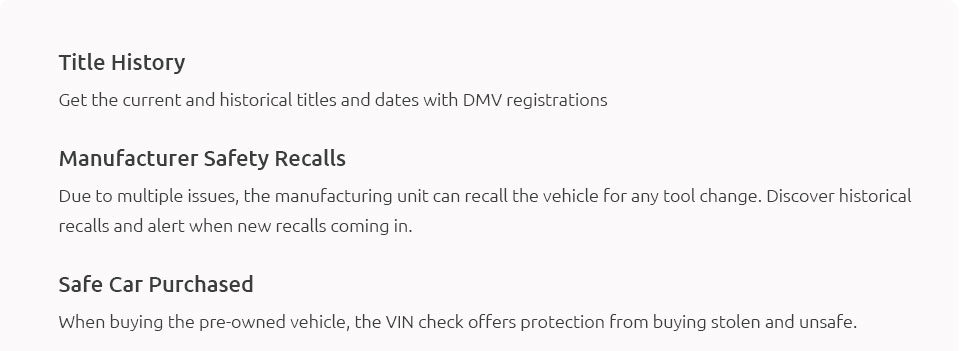
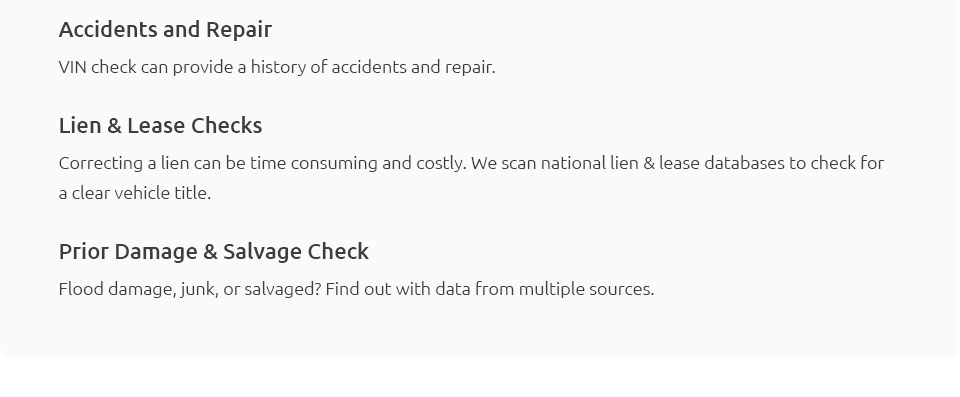
How to Look Up a VIN: A Comprehensive GuideThe Vehicle Identification Number, more commonly known as the VIN, is a crucial component in the automotive world. This unique code, typically 17 characters long, is like a car's fingerprint, providing specific information about the vehicle's manufacturer, model, and history. Whether you're purchasing a used car or simply curious about your current vehicle, knowing how to look up a VIN can be invaluable. First, let's understand where you can find the VIN on a vehicle. It is usually located on the lower-left corner of the dashboard, visible through the windshield, or on the driver's side door frame. Some vehicles also have the VIN on the engine block or other parts. Once you have located and noted down the VIN, you are ready to delve into its mysteries. Step 1: Online VIN Lookup Services One of the most accessible methods to look up a VIN is by using online services. Several websites offer free VIN checks, providing basic information such as the car's make, model, and year. More comprehensive reports, which might include accident history and previous ownership details, are often available for a fee. Websites like Carfax, AutoCheck, and the National Motor Vehicle Title Information System (NMVTIS) are popular options. These platforms are user-friendly; you simply need to enter the VIN, and the service will retrieve the relevant data. Step 2: Manufacturer's Website Another viable option is to visit the vehicle manufacturer's website. Many manufacturers provide VIN lookup tools on their official sites. These tools can offer detailed information about the specific vehicle, such as recall notices, service records, and other manufacturer-specific data. This can be particularly helpful if you're interested in understanding any brand-specific issues or updates related to the vehicle. Step 3: Department of Motor Vehicles (DMV) For those who prefer a more official route, the local DMV can also be a resource for VIN lookup. Depending on the state, the DMV might provide VIN checks that include title information and registration history. However, this method might involve a fee and require a visit to a physical office or an official website. It's worth noting that some DMVs offer online services that can save you time. Step 4: Use a Mechanic or Dealership If you're not comfortable navigating online or want a professional opinion, visiting a trusted mechanic or dealership can be beneficial. They have the tools and expertise to decode a VIN accurately and provide insights into the vehicle's condition and history. This can also be an excellent way to verify information obtained through other means, ensuring that you're making a well-informed decision, especially when purchasing a used vehicle. In conclusion, looking up a VIN is a straightforward process, yet it opens up a wealth of information about a vehicle. Whether you opt for online services, the manufacturer's website, or official DMV resources, each method has its advantages. Ultimately, the choice depends on how detailed you want the information to be and your personal preferences for obtaining it. Regardless of the method chosen, understanding a vehicle's history and specifications can provide peace of mind and help avoid potential pitfalls. As you embark on this journey, remember that knowledge is power, and in the world of automobiles, a VIN is a gateway to that knowledge. https://vpic.nhtsa.dot.gov/decoder/
The information displayed through NHTSA's VIN decoder is reported by the manufacturer. If you have further questions regarding this information, ... https://www.oreillyauto.com/vin-lookup
Look up and decode your vehicle's VIN for free, search for parts by VIN, and more with the VIN Lookup tool from O'Reilly Auto Parts. https://www.traxforum.com/threads/how-to-lookup-a-vin-number-on-a-car.10663/
This is an outdated history report for VIN 1G1BE5SM2J7135196. Check the vehicle history now for important information before buying or selling a ...
|
